Fuzz Testing: Turn a Crash into a Reproducible Report
Build a fuzz testing crash report another engineer can reproduce, with the exact build, input, command, failure evidence, owner, and fix verification.

Ernest Bursa
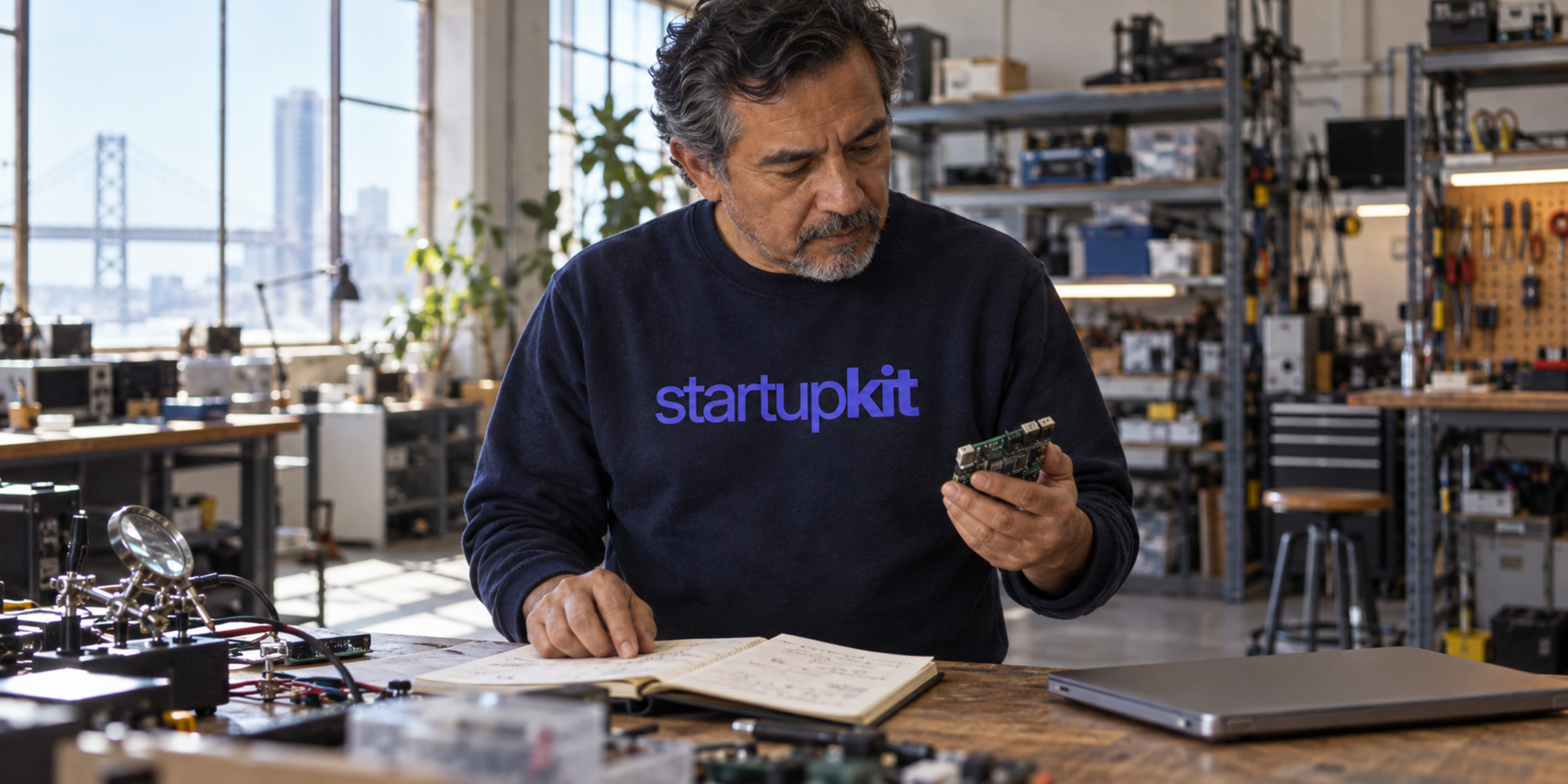
A useful fuzz testing crash report combines the failing input with the exact target build, command, environment, and observed failure. Record how reliably it reproduces, who owns the investigation, and what remains unknown about security impact. When a patch is ready, keep the evidence from replaying the case against it.
Prepare that handoff before spending another afternoon generating inputs. A directory of crash files can leave the receiving engineer with basic questions: Which executable produced these? Does the failure occur outside the fuzzing process? Was the target built with a sanitizer that detects memory errors? What result would count as a fix?
Chris Wellons’s AFL++ testing advice returned to Hacker News discussion, observed on November 2, 2026. The article dates to February 5, 2025; this is renewed interest in an older technical guide. Its practical focus raises a useful question: how do you turn a finding into work another person can pick up?
The workflow below is a proposed handoff for a small engineering team. It draws on AFL++ and ClusterFuzz documentation. It is not a report of a fuzzing campaign we ran, and its illustrative parser example does not describe a discovered vulnerability.
Preserve the experiment before you simplify it
Save enough context to reconstruct the failing run. The input matters, but so do the executable, harness, configuration, and observations that give it meaning.
The harness is the code that feeds generated inputs into the function or program under test. Record its revision alongside the target revision. If someone changes how the harness initializes a parser or passes a buffer, the same input may exercise a different experiment.
Keep the original input in a restricted artifact location, with a stable reference in the report. Preserve the relevant output before replacing binaries or rebuilding your environment. Include the platform, compiler, build flags, sanitizer configuration, and runtime options you know were used. Mark missing details as missing rather than reconstructing them from memory.
Suppose a fictional document-parser harness fails when given a saved file. “Parser crashes on this attachment” leaves several possibilities open. The file might expose a target defect, the harness might call the parser incorrectly, or a particular runtime setting might be necessary to observe the failure. Your first note should preserve what happened without prematurely choosing among those explanations.
Wellons discusses two useful harness pitfalls within his source-available C/C++, glibc-based Linux scope: state leaking between persistent-mode iterations, and oversized input buffers concealing some out-of-bounds reads from AddressSanitizer. Those examples show why you should inspect the experiment itself. They do not mean you should copy every compiler setting into an unrelated stack.
Avoid making the only copy of sensitive input a public issue attachment. A generated case may be harmless, but an investigation can also involve real documents, internal paths, or diagnostic output. Decide who needs access and preserve the artifact where those people can retrieve it. A link that the next engineer cannot open is still an incomplete handoff.
Make the reproduction command portable
A reproduction instruction should let the next engineer run the intended case without guessing which local conventions you relied on. Write the command together with its working directory, required input, and relevant environment.
ClusterFuzz’s fixing workflow makes the triggering testcase and build available and records the command line and important environment variables. Its documentation notes that those variables may be required to reproduce the failure. That is a useful model even when your team uses a different tool.
For your handoff, identify the target binary by a stable build reference and source revision. Explain whether the program reads a file, standard input, or another interface. Record how someone obtains or builds the executable. Replace machine-specific paths with documented locations only after checking that the revised instructions still describe the same run.
Separate preparation from execution. If the receiving engineer needs a particular container image, fixture directory, or build configuration, put that requirement above the reproduction instruction. Do not hide a necessary setup step in an old chat message.
Then describe the observation precisely. “Fails” might mean a sanitizer diagnostic, a process signal, a timeout, or an unexpected output. Preserve the relevant diagnostic and state what behavior you expected instead. A screenshot can help someone recognize a result, but it should not be the only record of a command or error they need to copy and inspect.
Record attempts as observations. If a case reproduces intermittently, describe the conditions you tried. Do not turn a single unsuccessful replay into a conclusion that the original finding was invalid. Assign an experiment that could explain the difference, such as comparing the original build or checking harness state.
Separate a smaller testcase from a security assessment
Reducing an input can make investigation easier. It does not, by itself, establish that the failure is exploitable or reachable in your product.
AFL++ documents afl-tmin for testcase minimization. Keep the original case alongside the reduced one and record how you produced the latter. Re-run the relevant observation before treating the reduced case as a substitute. The smaller file should help explain the failure you are investigating; causing some failure is insufficient.
The same documentation cautions that assessing exploitability can require substantial debugging and code analysis. Preserve that distinction in the report. “Reproduced sanitizer failure” is a useful result. “Confirmed remotely exploitable vulnerability” requires evidence about much more than whether the process stops.
For the fictional parser, the next questions might concern whether the affected code is present in the shipped build, whether untrusted documents can reach it, and which privileges the parsing process has. Those are investigation questions, not established facts about the example. Record known exposure separately from assumptions.
Use grouping to organize the investigation. Several saved files or similar stack traces do not by themselves establish how many distinct root causes or exploitable vulnerabilities exist. Keep links between related observations while leaving room to revise the grouping as the engineer learns more.
If the investigation needs a public disclosure process, use your vulnerability disclosure program. Reproduction evidence helps that process; it does not determine disclosure timing or authorize publishing sensitive artifacts.
Hand over one report with a clear next experiment
Make the report answer two questions quickly: what can the next person reproduce, and what uncertainty should they resolve next?
You can adapt this template to your tracker. It is a proposed record, not a tool requirement. Use links to restricted artifacts rather than pasting everything into the description.
Target and source revision:
Harness revision and entry point:
Platform, compiler, build flags and sanitizer settings:
Original input and artifact location:
Reduced input and reduction method, if available:
Reproduction command and working directory:
Observed failure and relevant output:
Expected behavior:
Reproduction attempts and outcomes:
Known exposure and impact still to assess:
Investigation owner and next experiment:
Patch revision, replay evidence and regression test:
You do not need every answer before creating a report. Distinguish an empty field from a verified conclusion. “Target revision unknown; reporter asked for build reference” communicates more than a confident status applied to incomplete evidence.
ClusterFuzz’s triage documentation treats reproduction reliability, crash type, platform, and regression ranges as useful investigation information. Its regression ranges are available for reliably reproducible crashes. Your own record can preserve the same distinctions without claiming that you have identified the introducing commit.
Use a short decision table to make the next action visible:
| Evidence you have | Next useful action | Conclusion still open |
|---|---|---|
| Input without a matching build or command | Request the missing reproduction context | Whether another engineer can repeat the failure |
| Repeatable failure in the recorded setup | Assign investigation of cause and exposure | Security impact and affected product scope |
| Intermittent failure | Preserve attempts and investigate differing conditions | Why reliability changes |
| Several apparently related cases | Compare evidence and maintain links | Number of distinct root causes |
| A patch without replay evidence | Test the recorded case against the patched build | Whether the observed failure is fixed |
Name a person for the next experiment. In the parser example, that might be the engineer who can compare harness behavior with the production entry point. The report should say what they will check and where the result belongs.
If a confirmed finding later stalls on a compatibility or release decision, that becomes a different problem. Our security fix escalation guide covers giving that decision an owner and a review date.
Verify the patch against the recorded failure
A patch reference tells you what changed. Replay evidence tells you what happened when you tested the relevant case against that change.
Keep the failing revision, patched revision, configuration, testcase reference, and results together. Where practical, preserve the case in your regression tests so future changes exercise the behavior you fixed. Record the expected outcome clearly enough that a later engineer can understand why the test exists.
ClusterFuzz’s fixing workflow describes retesting cases against later builds. That automation belongs to ClusterFuzz. If your team replays a case manually or in another system, record the actual method and result rather than borrowing a tool’s verification label.
Check for an accidental change in the experiment. A clean result after disabling the relevant sanitizer or changing the harness may answer a different question. Explain intentional configuration changes and their effect on what you can conclude.
For an intermittent failure, describe the remaining uncertainty and the observation period or additional testing you chose. No universal number of attempts proves that such a defect has disappeared. Likewise, a successful replay of one case supports a claim about that case and configuration; it does not certify the entire parser as safe.
Keep the evidence and report lifecycle together in Kit
Your fuzzer, build system, debugger, and engineers produce the technical evidence. A report tracker helps keep that evidence connected to the investigation and its communication.
Kit’s security reports support reproduction notes, assessments, and lifecycle states including needs clarification, validated, resolved, and fix verified. You can keep the reproduction summary and references with the report as the work progresses. Kit encrypts report text fields including reproduction steps at rest; that statement does not extend to every artifact you might store elsewhere.
Use lifecycle states to summarize the recorded work. Before marking a finding verified, link the actual replay result and make any remaining scope limits visible. Kit does not run AFL++, minimize a crash corpus, establish exploitability, or execute your regression tests.
Start with the next finding already waiting for attention. Check whether another engineer can obtain the input, identify the build, run the command, and understand the observed failure. Fill the gaps, name the next experiment, and keep its result with the report. That gives your team a concrete investigation to continue.
Related articles

Part-Time Job Ad Salary: Show the Pay and Hours Together
Write a clear part-time job ad salary: show actual pay, weekly hours and the full-time reference, then explain contract terms and on-call pay separately.

A Solo Founder's One-Page Incident Response Plan
Build a solo founder incident response plan before your first security report: name contacts, record evidence, rehearse decisions, and check recovery access.

Cross-Feature Trust Boundary Testing for Security Teams
Use a feature-combination matrix to test shared previews, document privilege crossings, triage vulnerability reports, and verify the complete fix.

Database Evaluation Checklist: What Correctness Tests Show
Use this database evaluation checklist to assess PostgreSQL compatibility, transaction isolation, durability and the limits of correctness test results.

When AI Security Analysis Refuses, Keep the Review Open
An AI security analysis refusal leaves the review unfinished. Preserve the original artifact, record the limit, and assign authorized human follow-up.

Staff Augmentation: Costs, Risks, and a Hiring Checklist
Compare staff augmentation with outsourcing and direct hiring. Use a practical cost model, supplier questions, and an engagement brief before you commit.
Try Kit for 30 days.
Hiring, security reports, and training in one account, for teams where none of it is a full-time job. Free for 30 days, card required. Cancel before it ends and you pay nothing.
Get started free