How to Schedule Internship Interviews at a Career Fair
Schedule internship interviews at a career fair with a worked slot plan for advance bookings, walk-ups, alternate interviews, and candidate follow-up.

Ernest Bursa
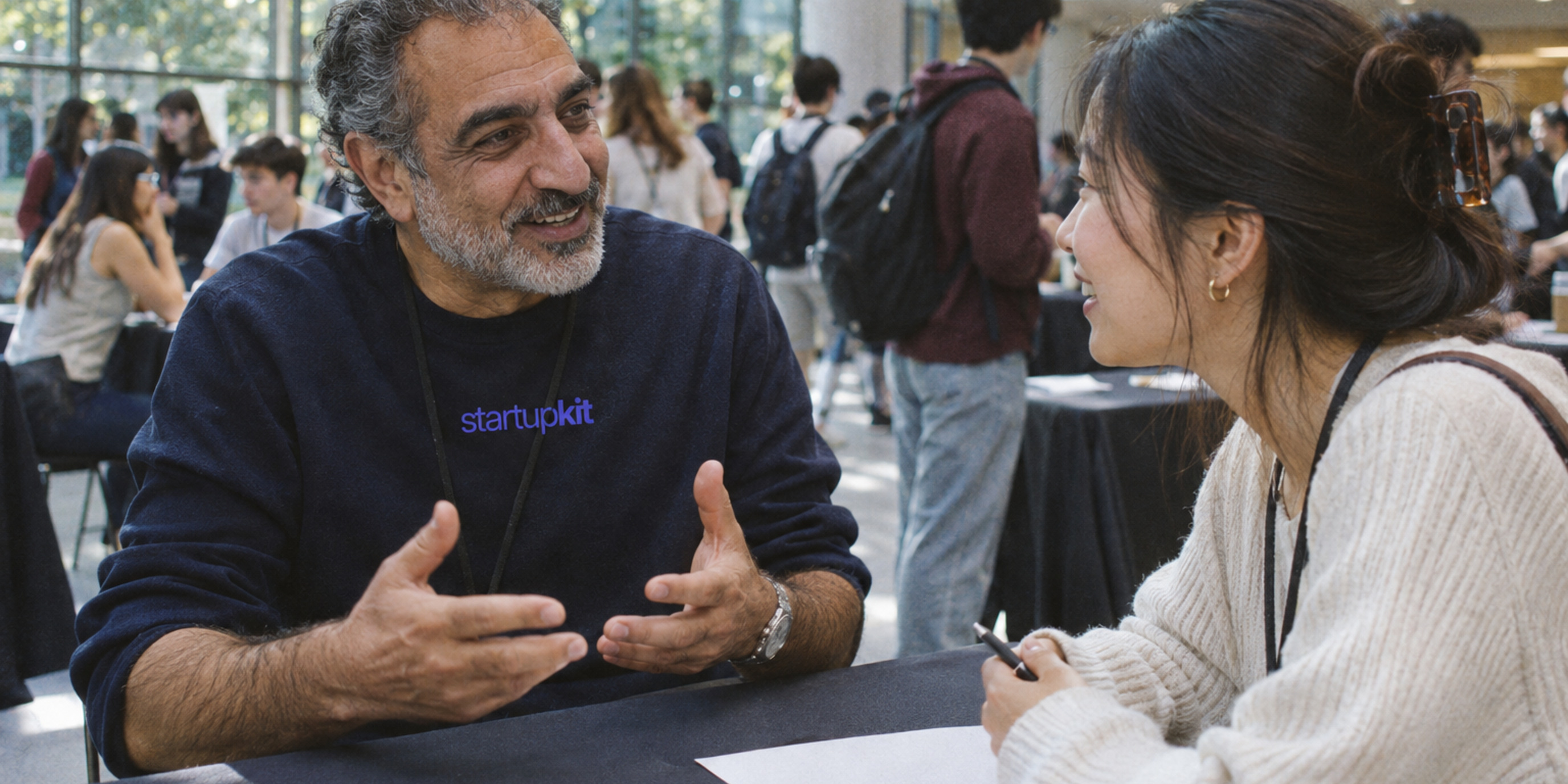
To schedule internship interviews at a career fair, start with time your interviewers can set aside without interruption. Book some of it in advance and leave room for walk-ups and delays. Offer the same first interview at another time or place to students who can’t meet on the fair floor. Before you leave, put a name and a deadline next to every follow-up you promised.
Picture a two-person startup team with one internship to fill. A student at the booth wants to talk about a class project. Your interviewer has an appointment in three minutes, and the student needs to be across the hall in ten. You can still offer a useful next step if the host knows which times are free, who can book them, and what to offer when the fair schedule doesn’t work.
What Y Combinator scheduled at its internship expo
Y Combinator advertised short, speed-dating-style onsite interviews at its August 15, 2026, Startup Internship Expo, which included recruiting for summer 2027. In November, YC shared how it used matching to schedule 15-minute interviews. Its software blog index says the event matched 800 students and 50 startups into 588 interviews. Those figures describe the matching exercise. YC’s event listing · YC’s announcement on Hacker News · YC Software Blog
A small team can borrow the appointment format. A student knows when to show up, and an interviewer has time set aside to listen. A few appointments give the day some shape and leave room for students who first hear about the role at your booth.
Calculate how many interviews you can staff
Start with uninterrupted interviewer time. Take out setup, breaks, and any stretches when the interviewer has to cover the booth. For each remaining block, divide the available minutes by the length of an interview plus the time to take notes and get ready for the next person. Round down before adding the blocks together.
Here’s a fictional worksheet for one interviewer and one teammate hosting a booth during a two-hour fair block. In this example, the interviewer has the full block available and the host handles check-in, questions, and the waitlist.
| Worksheet input | Example |
|---|---|
| Interviewer time available | 120 minutes, from 1 to 3 p.m. |
| Time per slot | 15 minutes to talk + 5 minutes to write notes and reset |
| Slots that fit | 120 ÷ 20 = 6 |
| Confirmed in advance | 1:00, 1:20, 1:40, and 2:00 |
| Held for a walk-up | 2:20 |
| Held for recovery | 2:40 |
| Conversations to plan for | 5, with room for a sixth if the team is on time and the recovery slot is free |
The host can give 2:20 to a walk-up student. Keeping 2:40 free gives the team a place to move an interview if the schedule slips. If the 1:20 candidate arrives after that slot has been released, the host can offer 2:40 if it’s free, or arrange a later appointment. The host should check with the interviewer before filling the last block.
The five-minute reset belongs on the schedule even if the candidate only sees a 15-minute invitation. Keep the recovery slot free until you’ve handled delays and breaks. If one person is running the booth and doing the interviews, schedule interviews only when they can step away. Or use the fair to meet students and book interviews for later.
Give students three ways to meet you
Check the organizer’s booking rules before opening a calendar. Fair registration and a reserved interview time can be separate, as Handshake explains in its guide to time-slotted events. Confirm who owns the schedule and how cancellations work so the booth host knows when a slot is free to offer. Handshake’s event registration guide
Book ahead. Share the role, internship dates, and what the first conversation covers. Send confirmed candidates the time, location, contact person, and a way to cancel or ask for a different arrangement. Give the booth host access to the schedule and agree how long to hold a slot for a late arrival before offering it to the next student.
Take walk-ups. Tell students when you’ll confirm walk-up times, then let them leave the booth and come back. In the worksheet, the host could confirm the 2:20 slot at 2:00. Use the same role requirements for everyone and, among students who meet them, offer openings in order of sign-up. When a cancellation frees an earlier slot, give the next person on the list the option to take it. If they can’t make that time, let them keep their place on the list. Mark missed appointments in the schedule. If the student still wants to meet, give them the same opportunity to reschedule and assess their work when you talk. If you’re full, offer a way to request a conversation after the fair and say when you’ll reply.
Offer an alternate appointment. Put a direct email address alongside any QR code or booking link. Let students ask privately for a quieter room, a remote appointment, extra time, or another arrangement. Reserve interview time after the event for students who can’t meet onsite. Use the same role-related prompts and review criteria, and keep arrangement details out of shared interview notes.
Leave each interview with evidence and a next step
Use the first two minutes to explain the internship, eight to discuss a relevant project, three for the student’s questions, and two to agree on what comes next. For an engineering internship, ask the student to describe something they built, the part they handled, and what they did when it failed or changed. The example can come from class, a hobby, or volunteer work.
Use the same core prompts for booked, walk-up, and alternate interviews. Write down what you heard and where you still need evidence. “Reproduced a flaky test locally and narrowed it to shared state” gives the next interviewer something to ask about. If the room was too loud to finish, record that the conversation needs to be completed.
The booth host needs the candidate’s name, a way to reach them if they’ve asked for follow-up, and the appointment status. Keep interview observations in a restricted hiring record. Before the team packs up, reconcile confirmed, held, missed, and rescheduled appointments. Record walk-up interviews separately so you can see whether students used the time you set aside for them.
Follow up within 48 hours
Aim to send the first message within 48 hours and assign someone to send it. If the fair’s timing makes that impractical, tell students what day you can reply. Review each promised follow-up before sending anything so a student who has already applied or booked doesn’t receive a duplicate request.
Send the agreed next step. If you offered a longer interview, send an invitation or suggest specific times. If the student still needs to apply, send the role’s application link. If you’ve decided to close the conversation, say so. When a decision is pending, tell the student when they’ll hear from you again.
For the student who talked through the flaky test, the note might read, “Thanks for walking me through how you reproduced that test failure. We’d like to hear more about your debugging process in a 30-minute interview. I can offer Tuesday at 11 a.m. or Wednesday at 2 p.m. Pacific time.” For a student who signed up after the walk-up slot filled, you could write, “Thanks for stopping by. We still have first interviews available next week. Here’s where to pick a time, or reply if you need a different arrangement.” Send that second message only if you’ve reserved the time.
Once a student has applied in Kit, the team can keep notes on the application and use an interview stage to offer follow-up times. The booth schedule can stay with the organizer or your event team. Reviewing applications · Interview scheduling
After the fair, compare confirmed appointments with how many took place, count walk-up interviews separately, and check how many next-stage invitations were accepted within the same reporting window. A booth can stay busy all day while interview slots go unused. Even if every slot fills, students can go home and never hear back. Use the appointment record to see where people were left waiting so you can fix it before the next fair.
Related articles
How to Keep Sensitive Work Data Out of Windows Recall
Follow a candidate record or vulnerability report through the browser, inbox and PDF viewer, then verify what Windows Recall saves on an eligible work device.

A Recruiter Work Sample Without Personal Accounts
Run a recruiter work sample with fictional profiles, draft outreach and a shared rubric. See what to score and how to close the exercise.

AI Supply Chain Security Starts Before the Model Answers
Dragos found decoy credentials in use after AI requests were rejected. Trace where your prompts go, what zero retention covers, and what a canary alert tells you.

How to Test an AI Model Change in a Hiring Workflow
Test an AI model change with synthetic interview notes and mocked tools. Check factual accuracy, output language, and whether a person must approve delivery.

NGINX HTTP/2 Vulnerabilities and How to Verify the Patch
NGINX 1.30.7 and 1.31.9 fix two HTTP/2 vulnerabilities. Trace which proxy handles HTTP/2, find your vendor's fix, and verify the build serving production.

Audit Third-Party Scripts Before They Reach Candidate Data
Run a third-party script audit across application forms and candidate portals. Test with dummy data, review browser controls, and describe exposure precisely.
Try Kit for 30 days.
Hiring, security reports, and training in one account, for teams where none of it is a full-time job. Free for 30 days, card required. Cancel before it ends and you pay nothing.
Get started free